
You can view your CRM records in a tabular format with multiple options to filter, sort and even decide what columns you are seeing at any point in time.
This view is currently accesible from Opportunities (through a toggle), Custom Objects, Companies (currently in Labs) and Tasks (currently in Labs).
How to Access the List View: #

- For all CRM objects, this is the default view that you see when go to that object from the left or the top bar menu.
- For Opportunities, navigate to your Opportunities section and switch to the List View from the top right toggle.
Feature List: #
- See your records in a Listed View: See all your CRM records organized in a clear, tabular format. This makes it easier to scan through and find the information you need quickly.

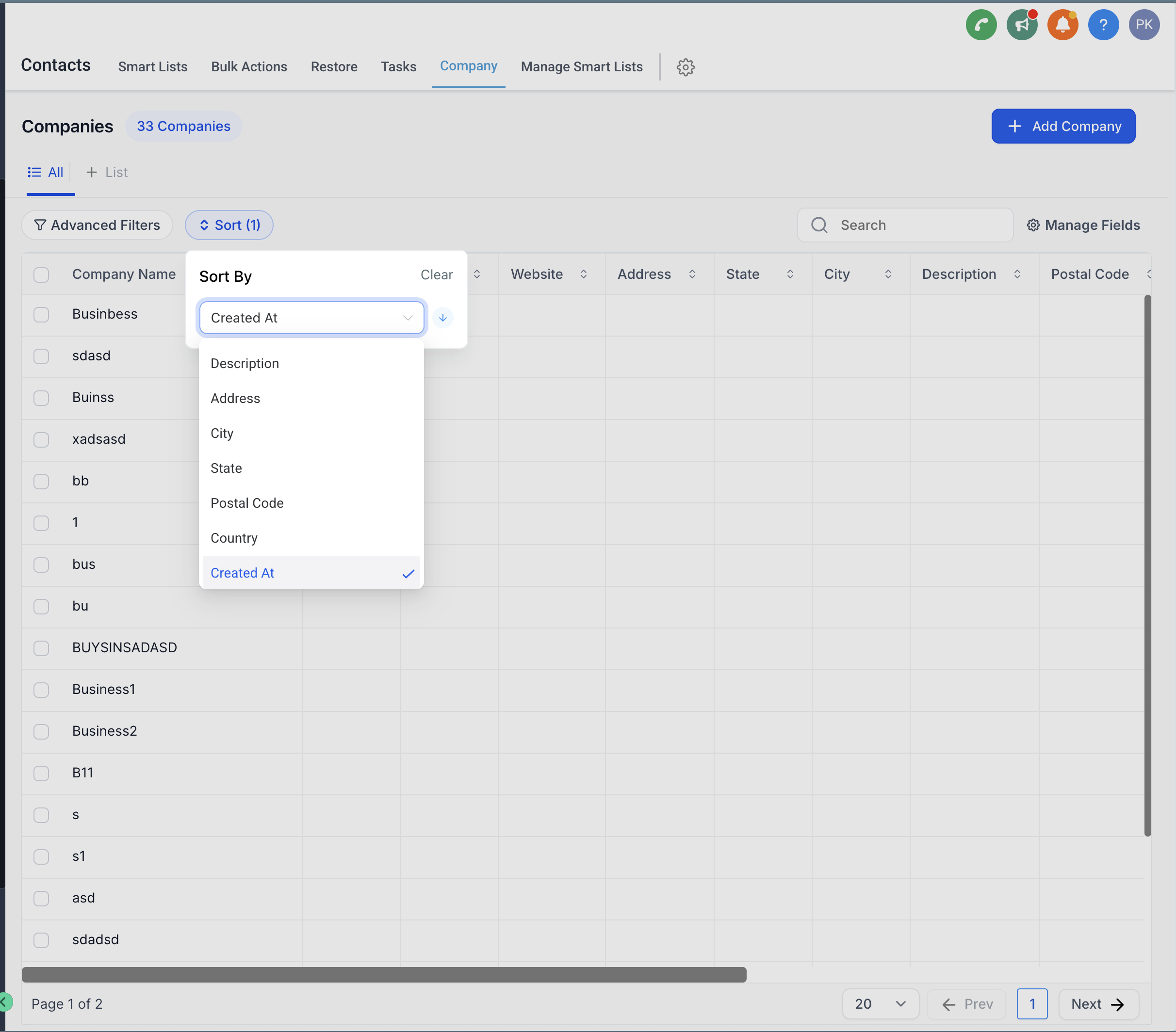
- Sorting Across Fields: Easily sort your records by any field, allowing you to prioritize and manage them more effectively.
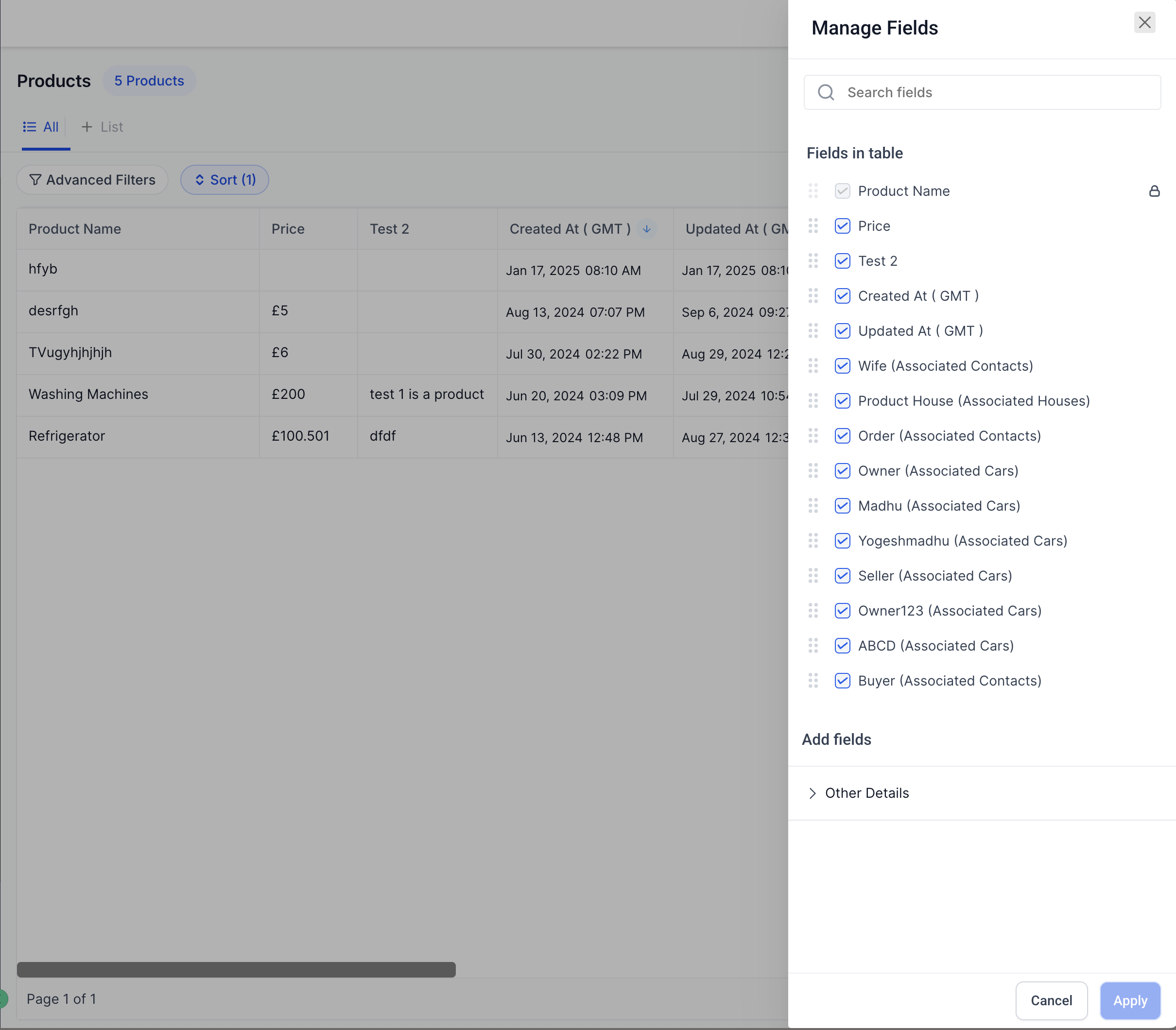
- Customizable Fields: Choose which fields you want to display in your list view. You can resize and rearrange the fields as well.
Benefits of the List View #
The List View offers several key advantages that can enhance your productivity and streamline your workflow:
- Enhanced Visibility: With more data displayed in the same view, you can get a comprehensive look without having to switch between screens.
- Increased Customization: Tailor your columns to display the information that matters most to you. This customization ensures that your view is always aligned with your specific needs and preferences.
- Improved Efficiency: By enabling sorting, filtering, and exporting directly from the list view, you can manage your records more efficiently, saving time and reducing the effort needed to perform routine tasks.

