
Overview #
The Group Access Granted trigger workflows allows for automated management of group access, enhancing community interactions and user experience.
Trigger Name #
Group Access Granted
Trigger Description #
The “Group Access Granted” action is triggered when a user is granted access to a specific group within a community. This automation ensures that users receive timely updates and can engage with relevant content and members.
How to Configure #
- Navigate to the Workflow Builder: Access the Workflow Builder in your GoHighLevel account.
- Create a New Workflow:
- Click on “Create a Workflow.”
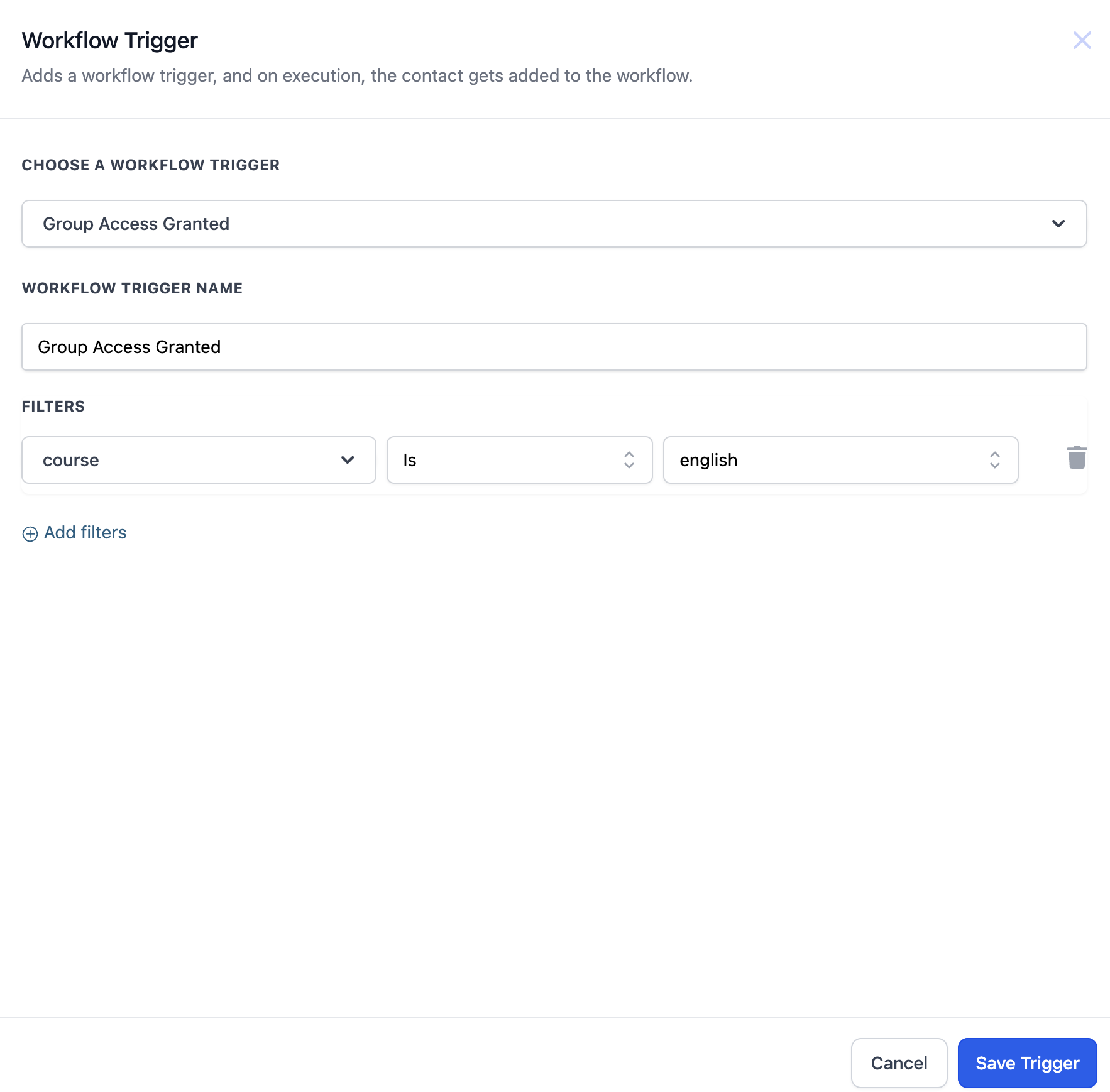
- Select the relevant trigger type: “Group Access Granted.”
- Configure Trigger Details:
- Specify which group access is being granted.
- Add any subsequent actions you wish to automate (e.g., sending welcome messages or notifications).
- Test Your Workflow: Ensure that the workflow operates as expected by testing it in a controlled environment.
- Save and Activate: Once confirmed, save your workflow and activate it for use.
Example #
For instance, if a new member joins a book club community, you can set up a workflow that automatically grants them access to the “Book Discussions” group. This ensures they receive immediate updates about upcoming discussions and can engage with other members right away.

