
You can now add relevant insight widgets to your dashboards directly from key pages — making it easier to bring analytics into your workflow without switching context.
✨ What’s This For?
Quickly view and track key metrics by bringing dashboard analytics into your day-to-day workflow.
Supported Pages #
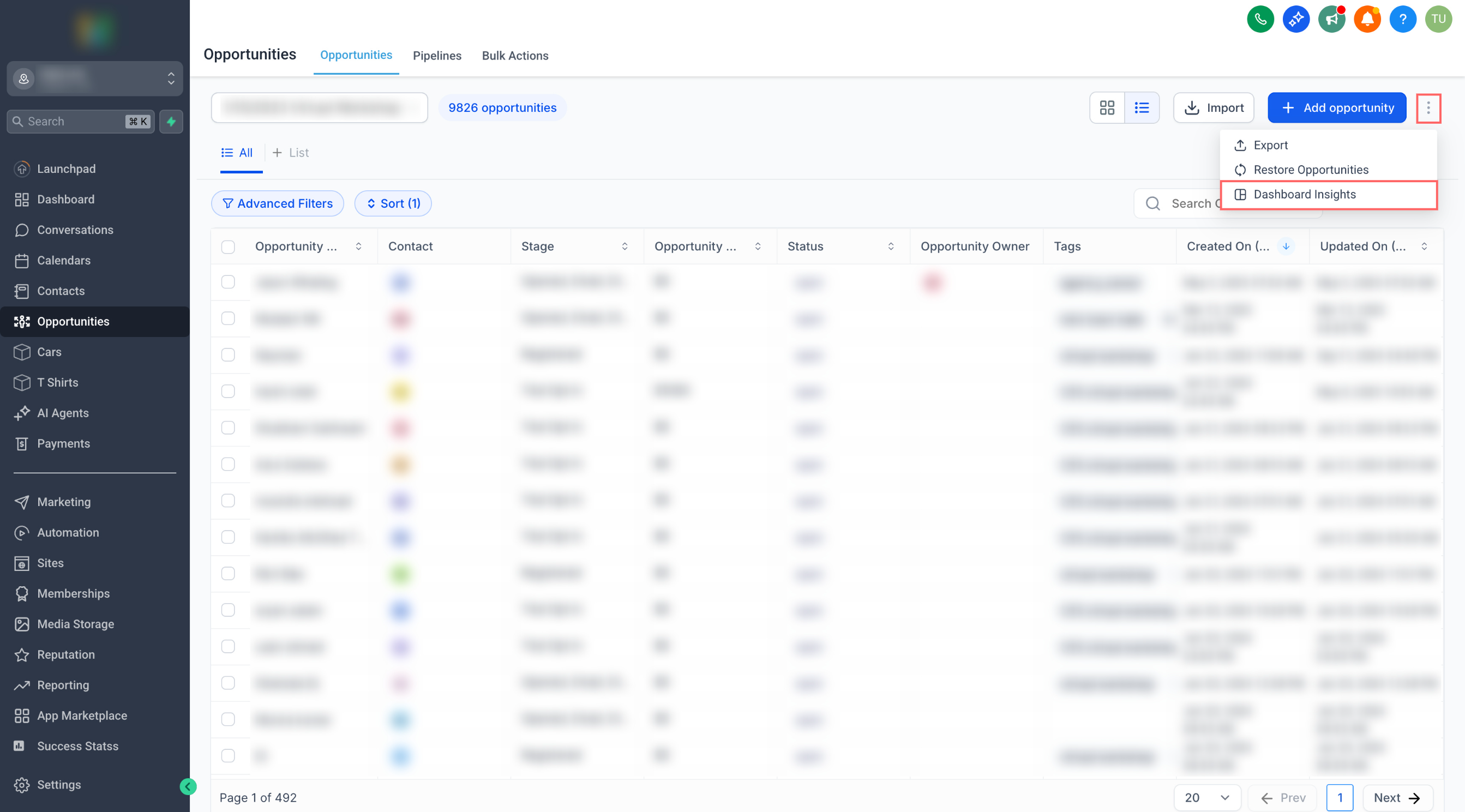
- Opportunities
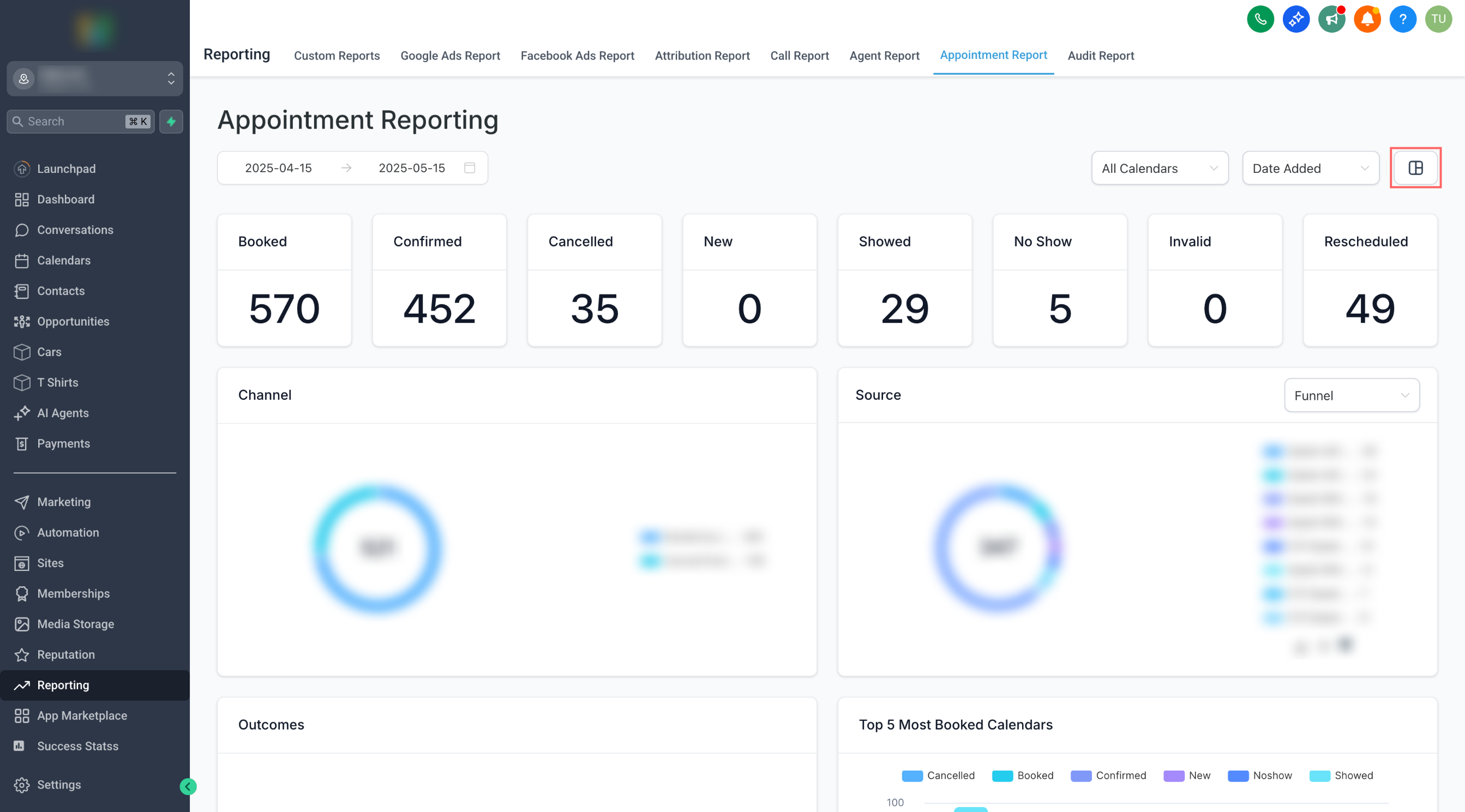
- Appointment Report
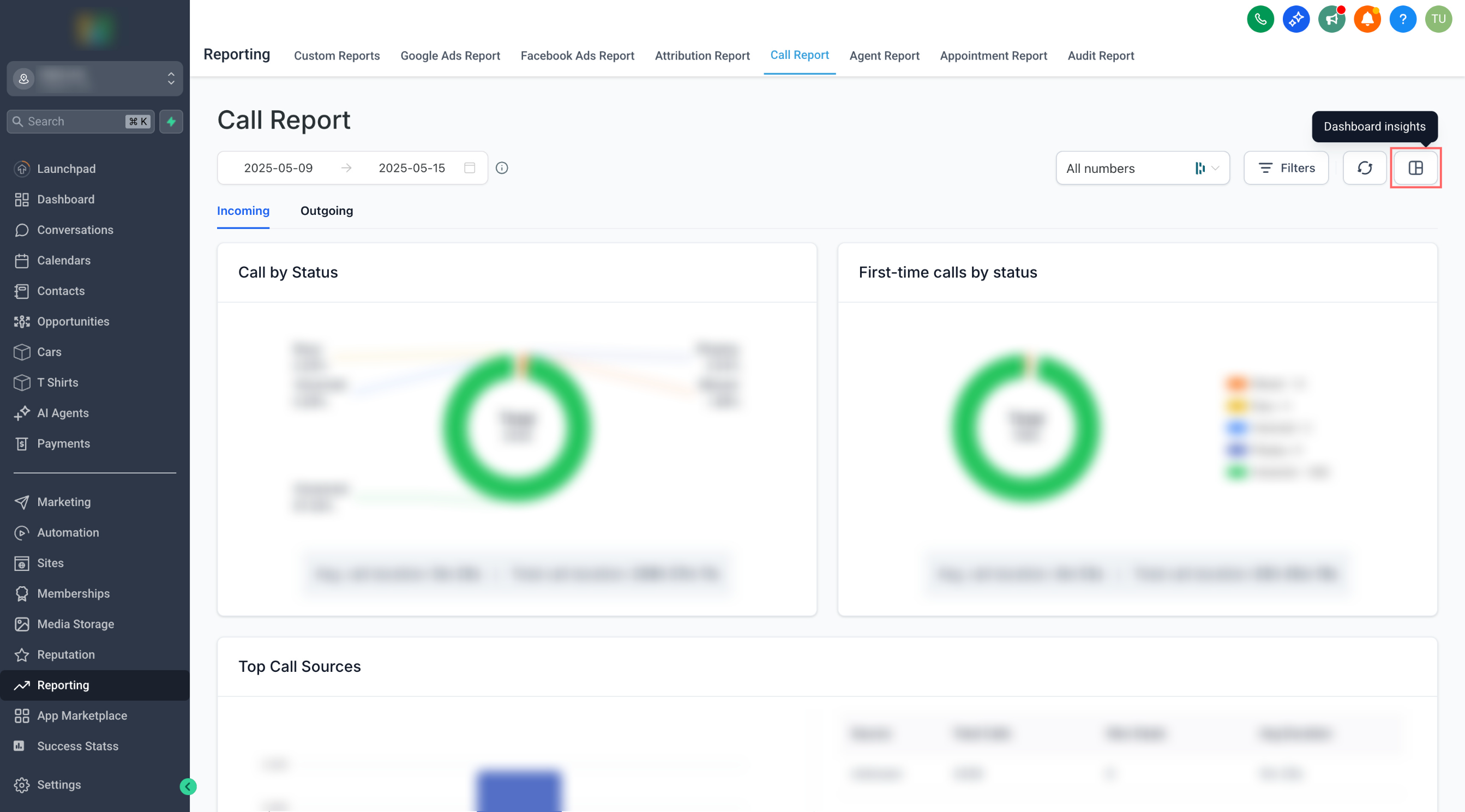
- Call Report
Step 1: Navigate to a supported page (see list above). #
Step 2: Click the Dashboard Insights icon #
Step 3: Select the dashboard where you want to add widgets. #
Step 4: Review the suggested widgets and confirm your selection. #
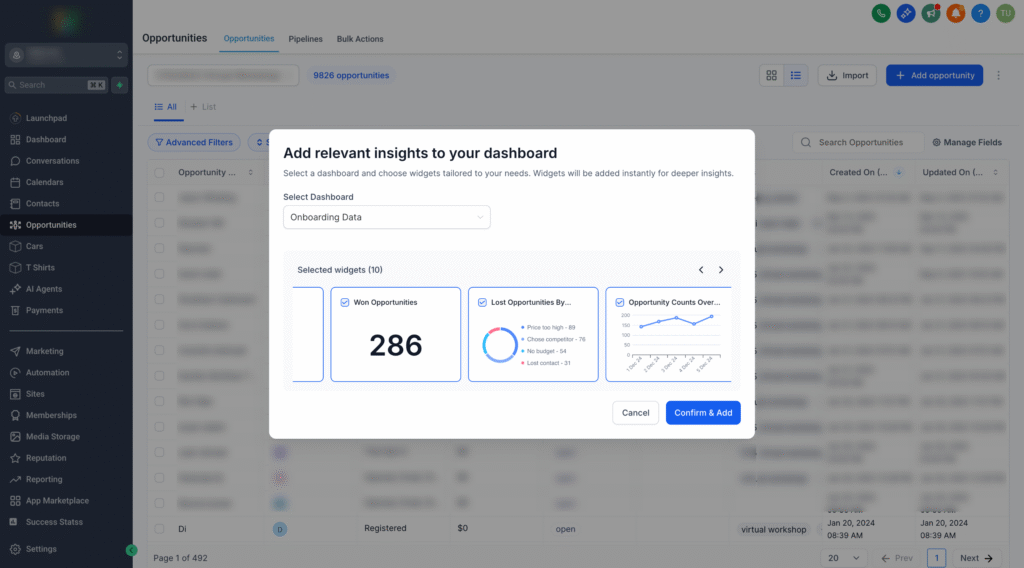
Step 5: Click Add — the widgets will be added to the chosen dashboard. #
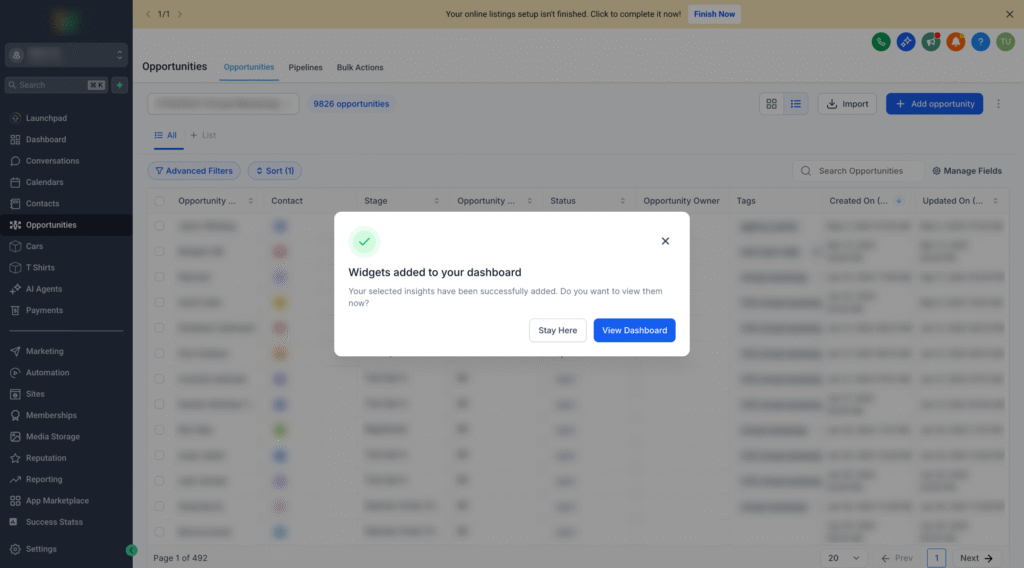
Step 6: You can stay on the same page or go to the dashboard to view insights. #
More Pages Coming Soon! #
We’ll continue to expand this feature — keep checking back as we add more supported pages.

